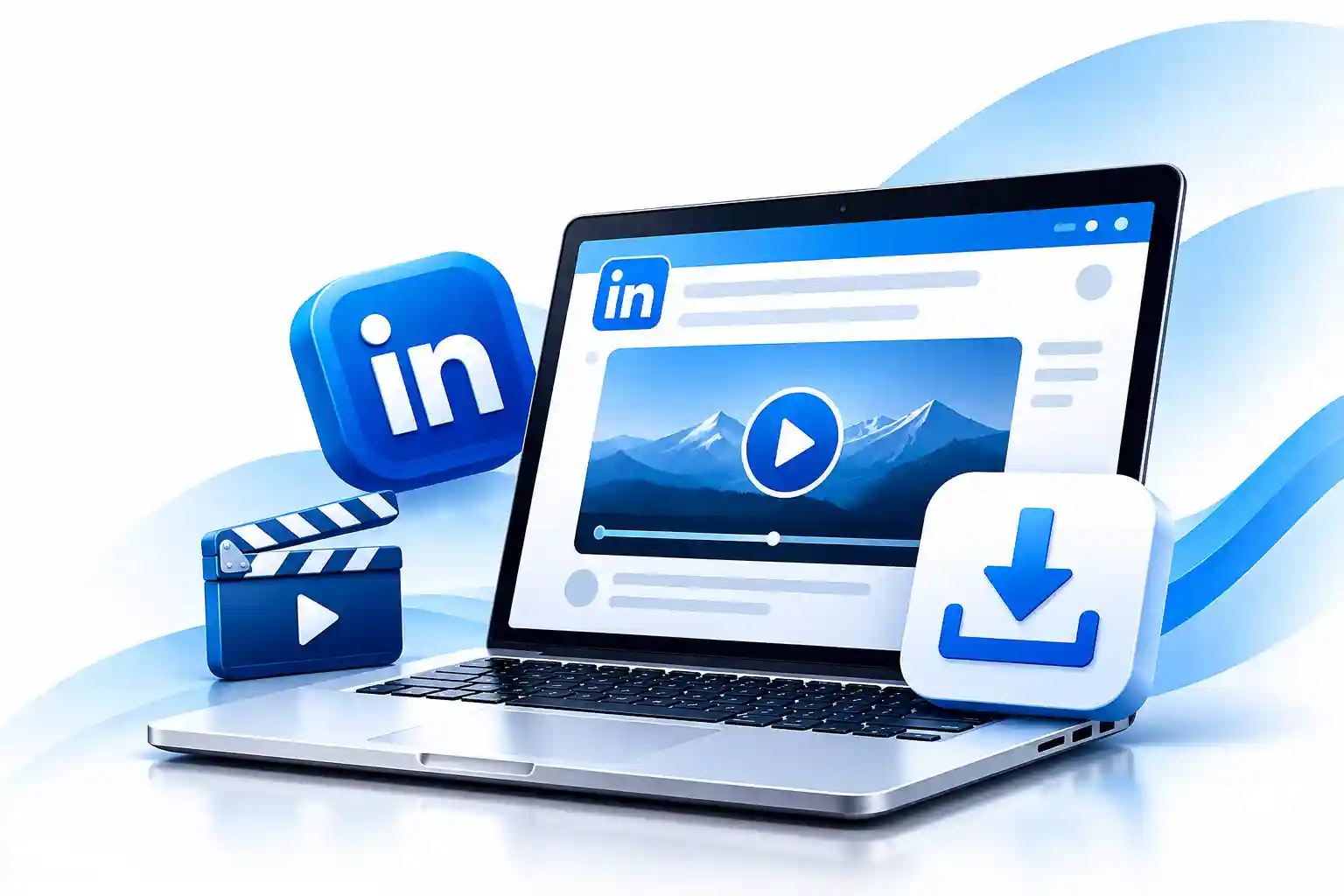
Download videos from LinkedIn posts in just a few clicks
Paste any LinkedIn post URL and get the video in the best available quality. No signup, no watermark.
Enter the URL of a LinkedIn post containing a video to download it
Only download videos you have the right or permission to use. Please respect the creator's copyright.
About Us
Looking for a simple way to download LinkedIn videos? The free LinkedIn Video Downloader by Vynex Solutions helps you save videos from supported public LinkedIn posts without installing additional software.
Whether you’re saving your own professional content, an educational video, or a business presentation you have permission to use, our online tool provides a straightforward way to access downloadable video files when they are available.
Simply copy the LinkedIn post link, paste it into the downloader, and follow the instructions to save the video to your device.
Open LinkedIn and find the public post containing the video you want to download. Copy the link to that post using LinkedIn's sharing options.
Return to the Vynex Solutions LinkedIn Video Downloader and paste the copied URL into the input field. Click the download button to process the link.
If the video is publicly accessible and supported by the tool, select the available download option to save the video to your computer or mobile device.
Yes. The Vynex Solutions LinkedIn Video Downloader is available as a free online tool.
Copy the URL of a supported public LinkedIn post containing a video, paste it into the downloader, and follow the available download instructions.
You do not need to create a separate Vynex Solutions account to use the tool.
You can open the tool in a mobile browser. Download availability and file-saving behavior may depend on your device, browser, and the video source.
A video may be unavailable if the post is private, restricted, deleted, unsupported, or inaccessible. Check that your URL is correct and that the post is publicly available.
No. This tool is intended for supported publicly accessible content and is not designed to bypass privacy settings or access restrictions.
Only when you own the content or have the necessary permission or legal rights. Downloading a video does not automatically give you permission to republish, edit, or distribute it.
Not necessarily. Some LinkedIn posts, video formats, or access restrictions may prevent a download.
Save your own or authorized LinkedIn video content with our free online downloader. Copy a supported public post URL, paste it into the tool above, and check the available download options.
No complicated setup. Just a simple online tool from Vynex Solutions.